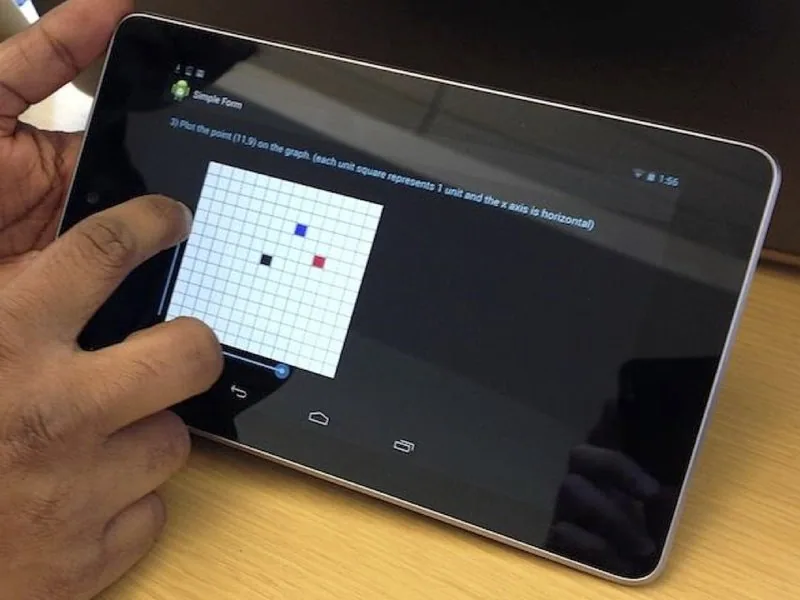
Review Android permissions by the feature you use
Use the task an app performs to decide if it needs access to the microphone, contacts, camera or location.
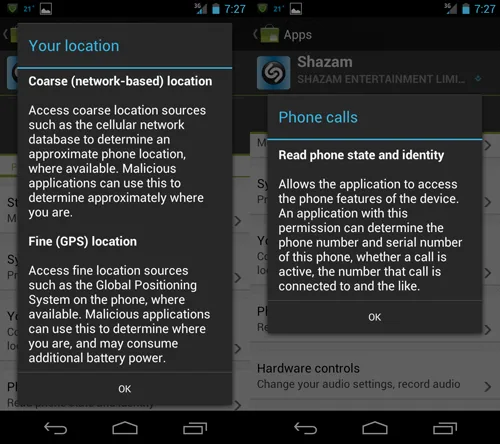
Start with the feature, such as uploading a photo, attaching your location to a message, or placing a call. Then look at the permission prompt. A mapping app has a clear reason to ask where you are when you request directions. A drawing tool that only edits a file you selected may have little use for access to your contacts.
Understand how long the access lasts. On many newer Android devices, permissions such as location, microphone and camera can be limited to the time you are using the app. Available choices vary across Android versions and handset manufacturers. Where the system offers a one-time option, it can help with a feature you expect to use once.
Review access from the phone’s settings if your use of an app has changed. Select a permission category to see which apps have it, revoke access you no longer need, and test the task you still use. An app may prompt again when a feature requires the permission.